Multi-Function Button Functionality
When power is supplied to the NanoDetect PRO sensor, the device will automatically power on and begin operating.
| The sensor includes a multi-function button and visual indicators to support setup, configuration, and basic control. | 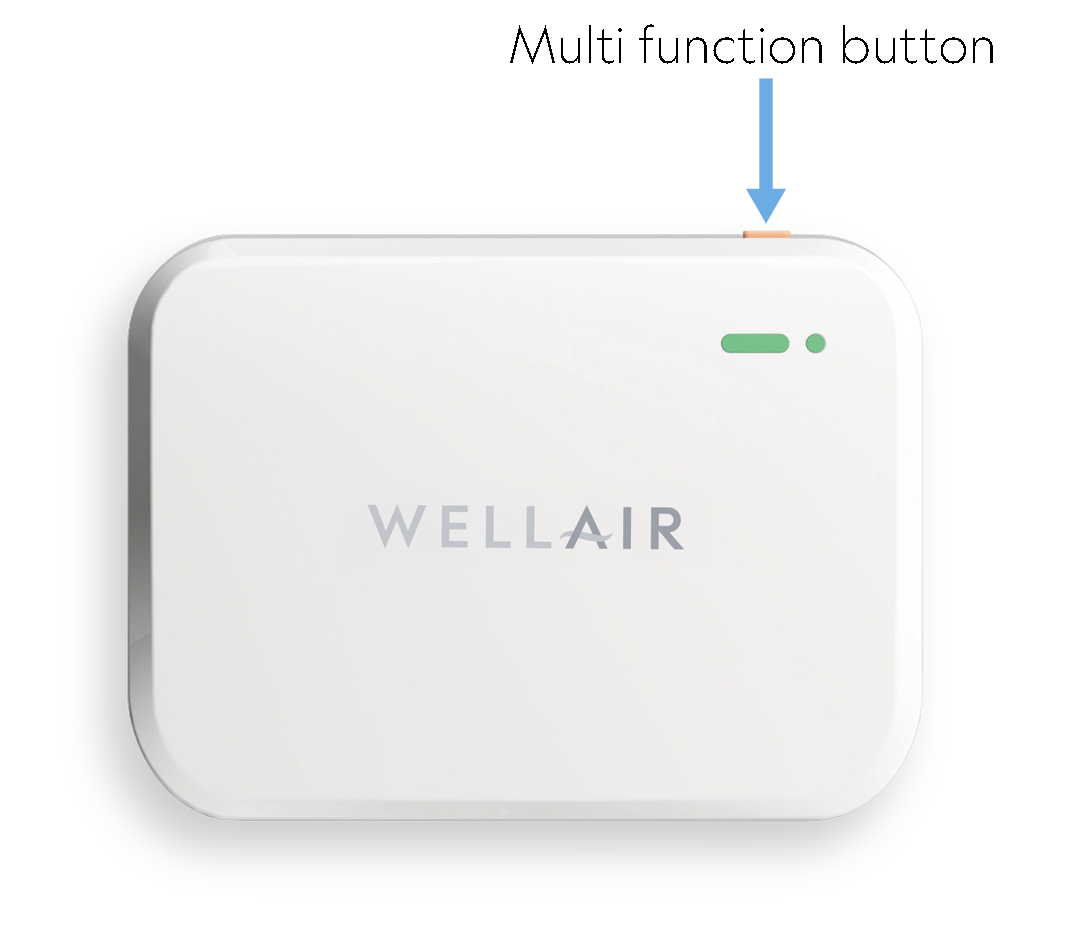 |
Press the button in quick succession to perform the following actions:
2 Presses Enable Bluetooth Activates Bluetooth for Wi-Fi setup or configuration using the WellAir NanoView App.
7 Presses Toggle buzzer on or off Enables or disables the audible buzzer alerts.
8 presses Disable buzzer permanently Disables the device’s buzzer setting.
10 presses Toggle pollution level indicator Turns the pollution level indicator on or off.
20 presses Factory reset Restores the device to factory default settings (Use with caution. This will remove existing configuration and network settings.)
Important Notes
• When the device is powered on for the first time, Bluetooth is enabled by default.
• If no configuration activity occurs within 30 minutes, Bluetooth will automatically turn off.
• To re-enable Bluetooth after it turns off, press the multi-function button twice consecutively.
LED display indicators
| An indicator light is located on the front of the NanoDetect PRO device. | 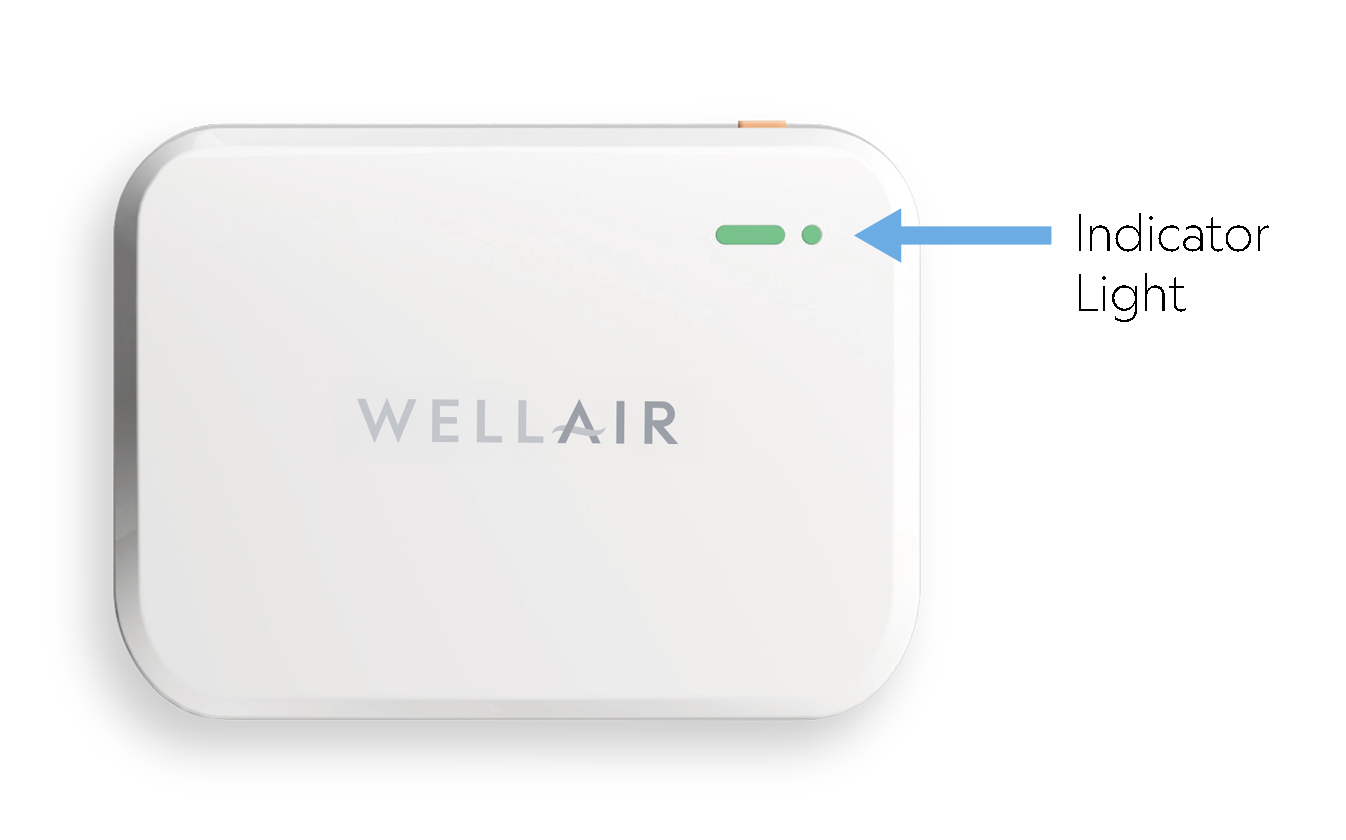 |
| The indicator light provides visual feedback on Indoor Air Quality. |  |
Was this article helpful?
That’s Great!
Thank you for your feedback
Sorry! We couldn't be helpful
Thank you for your feedback
Feedback sent
We appreciate your effort and will try to fix the article