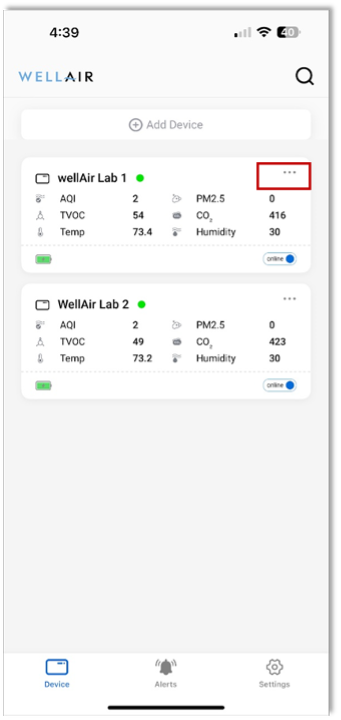
The NanoView App main screen provides a high-level overview of all NanoDetect PRO devices connected to your account.
Each NanoDetect PRO device is displayed as an individual device tile, which includes the following information:
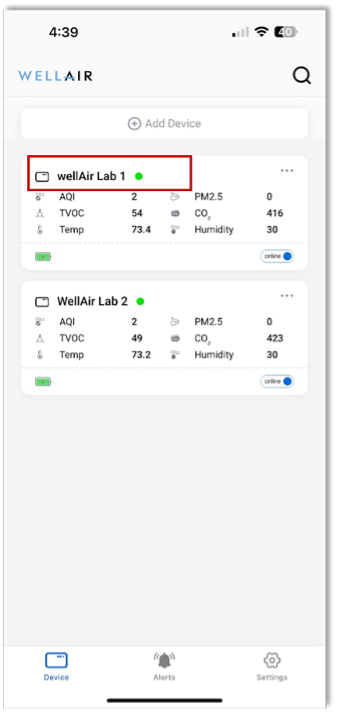
Device name and AQI status displayed as a colored circle to the right of the name.
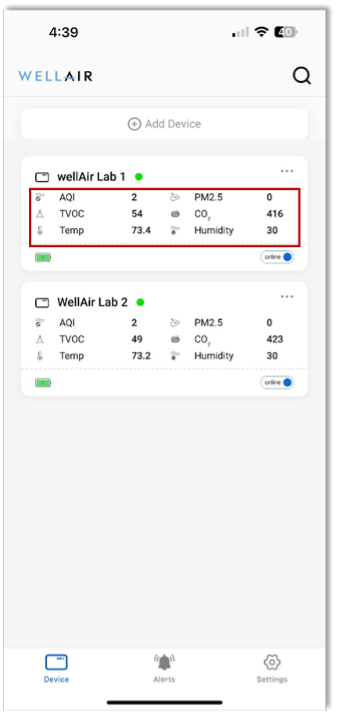
Real-time IAQ / IEQ measurements
Up to six IAQ / IEQ parameters can be displayed in this view. The specific parameters shown are user-configurable within the Settings tab.
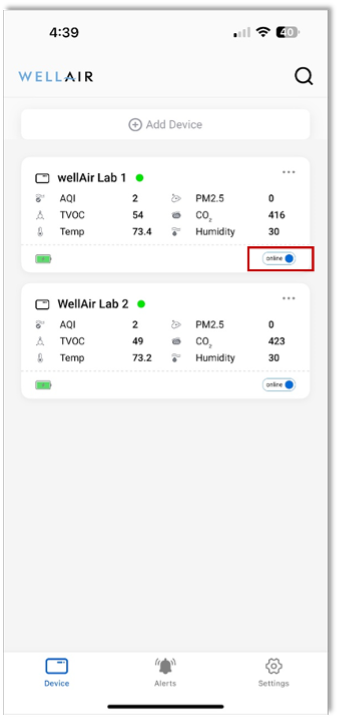
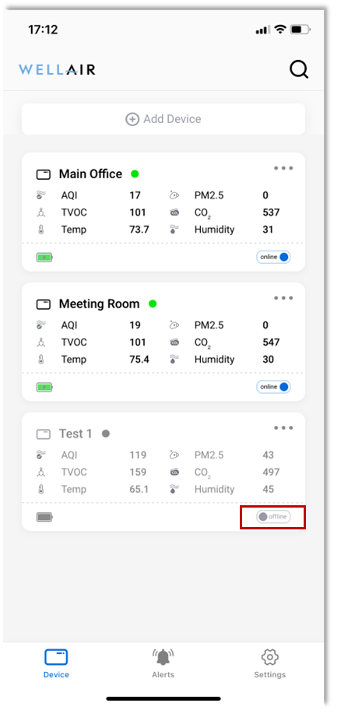
Device status indicator
• Online – device is connected and reporting data
• Offline – device is not currently connected or reporting data
By selecting the More Options (… ) icon in the top-right corner of a device tile, users can:
• Edit the device name for easier identification
• Remove the NanoDetect PRO device from the NanoView App
Was this article helpful?
That’s Great!
Thank you for your feedback
Sorry! We couldn't be helpful
Thank you for your feedback
Feedback sent
We appreciate your effort and will try to fix the article